First Print!

Well I haven’t posted for a while, because I have been working on my Decking. As well as that though I have been finishing off the OverlapStrap, since my last post I have made several improvements, such as beefing up the X-Carriage
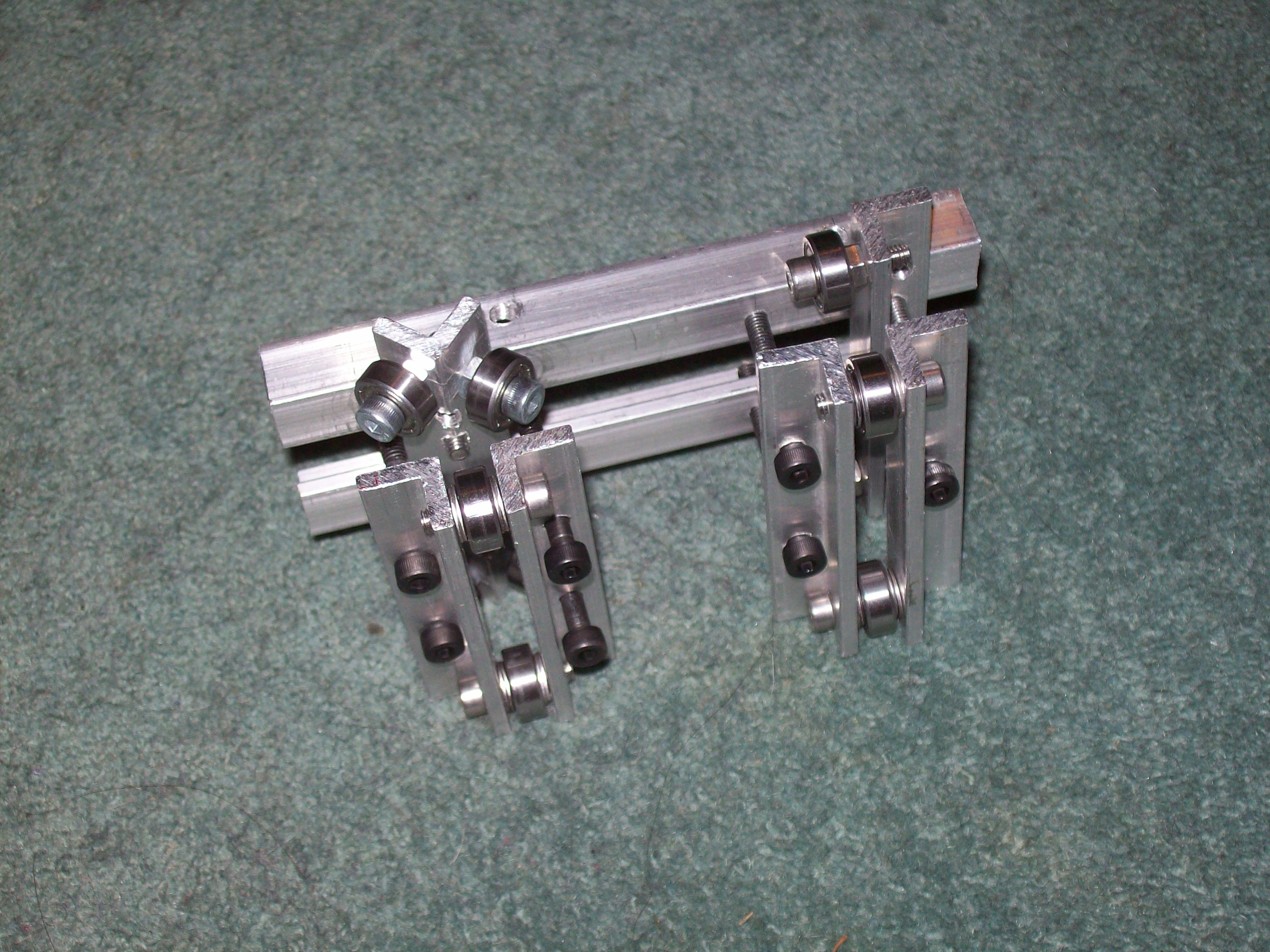
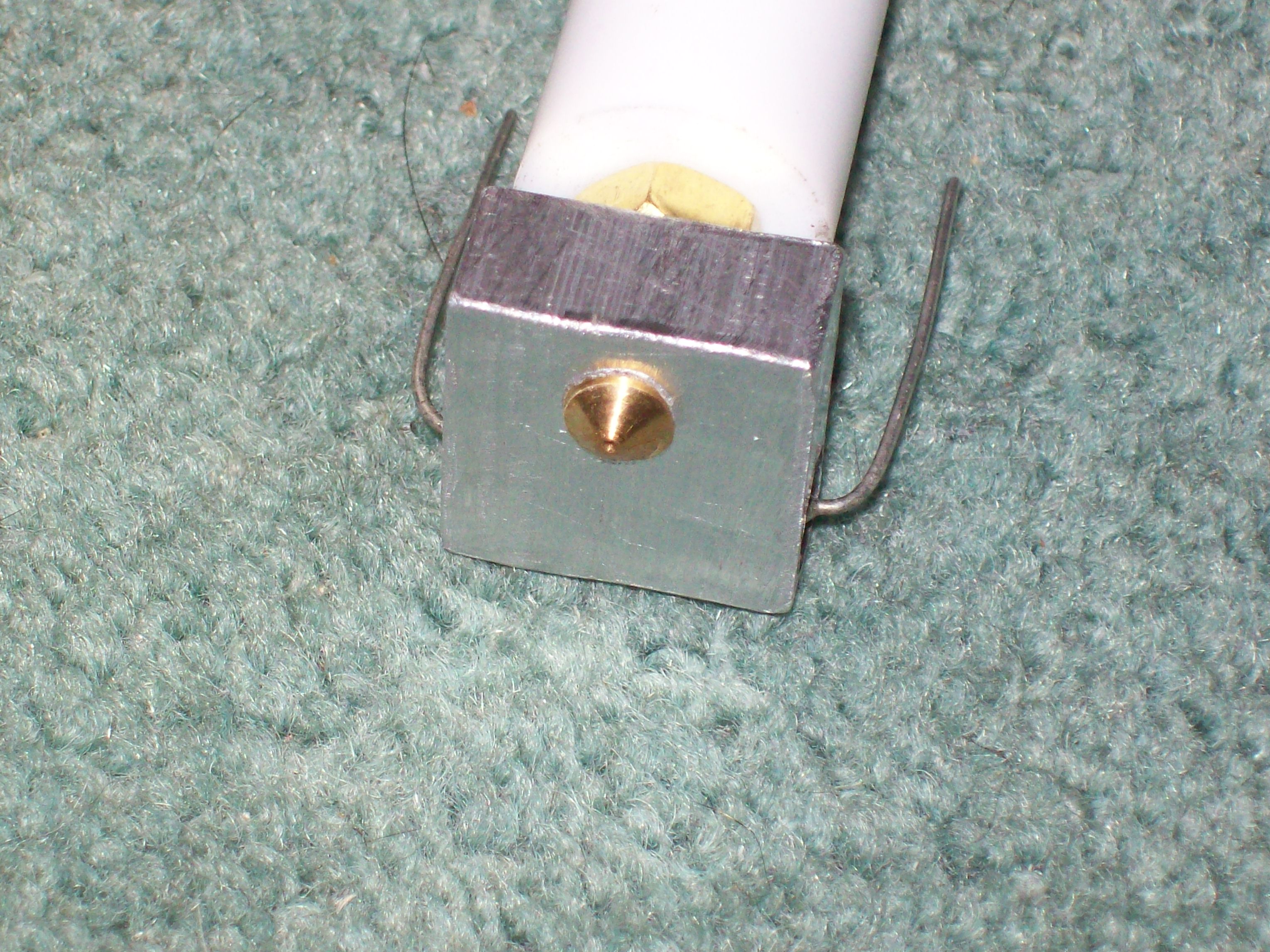
Improving the way the Thermal Barrier was fixed to the CrudeStruder. I also added the finishing touches such as mounting the end stops, wiring up all the (pre-assembled) electronics, and general finishing off needed to test everything.

Then this weekend after a lot of tinkering and a lot of help from Tonokip via IRC, I was able to print my own derived version of Nopheads Mendel Pulley which I re-designed in openscad.
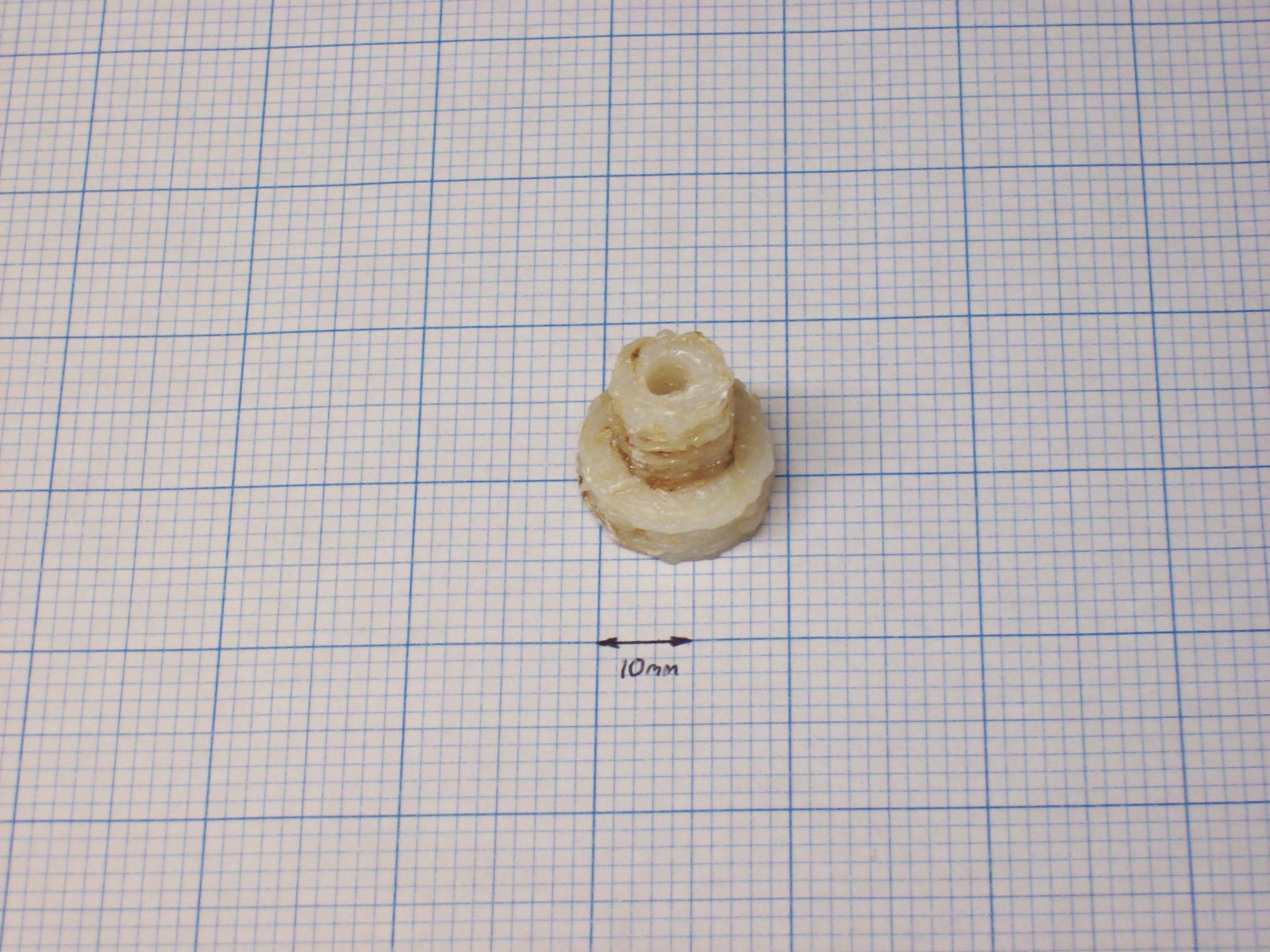
It looks pretty ugly, but I am quite pleased that its roughly resembles the pulley that I was aiming for. It did however need some cleaning up, this is what it looked like straight of of the printer.
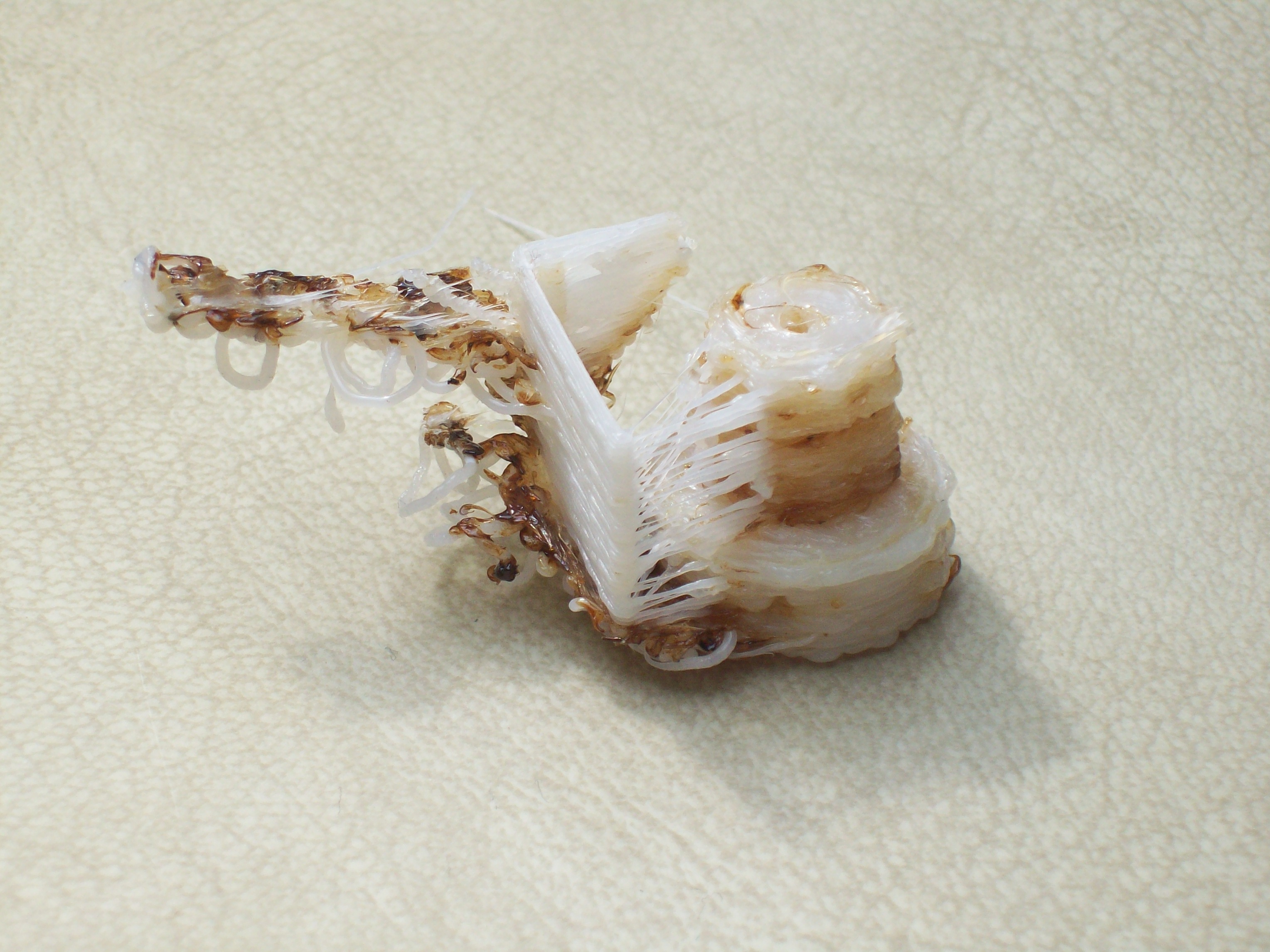
The problems I am having are

  • Getting the right setting for e_steps_per_mm
  • Getting the first layer to stick (I am currently printing directly onto MDF so no surprise)
  • Strings and crud attached to one side.
  • Detail level is too low. (The pulley is not detailed enough to have teeth yet so its not usable)

Stepper Motors

When I ordered my stepper motors sometime last year from motion control products I chose the cheapest model at £11.23 which was FL42STH38-1206A sometime afterwards I realised that these steppers have much lower holding torque than the recommended mendel FL42STH47-1684A-01 (25.5N-cm vs 43N-cm) however this was not a major problem since mendel requires that “Torque must be at least 0.13 Nm” which is 13N-cm, and well below the rated holding torque. It was only when I came to wiring the steppers up that I came across the next problem. The Generation 3 stepper drivers are for use with Bipolar steppers.

Wheras the steppers I had bought were Unipolar steppers.

Fortunately for me they were 6-wire Unipolar  steppers, and as you can see from the wiring digrams above you can just not connect the centre taps for the coils (labeled A and B above) and we have a bipolar stepper again.

More recently when I decided it was cheaper and simpler to use two steppers for my Z-Axis, I was a stepper short. This time I bought the SY42STH47-1684B compatible product from Zapp Automation for only £8.50 it has a holding torque of 43.15N-cm and is a 4-Wire Bipolar stepper. I am going to use this to drive the CrudeStruder, as I think it could benefit from the extra torque.

Decking

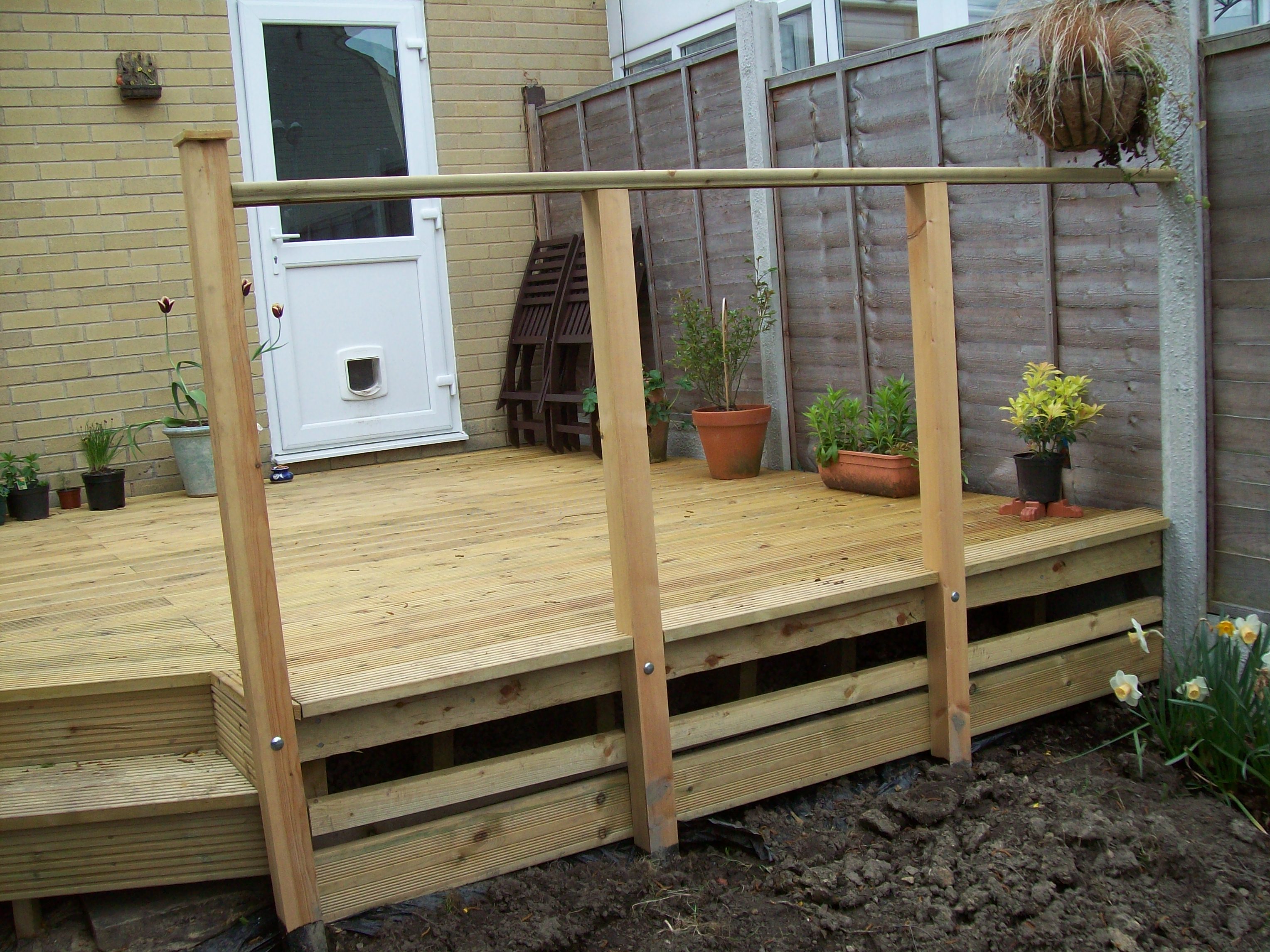
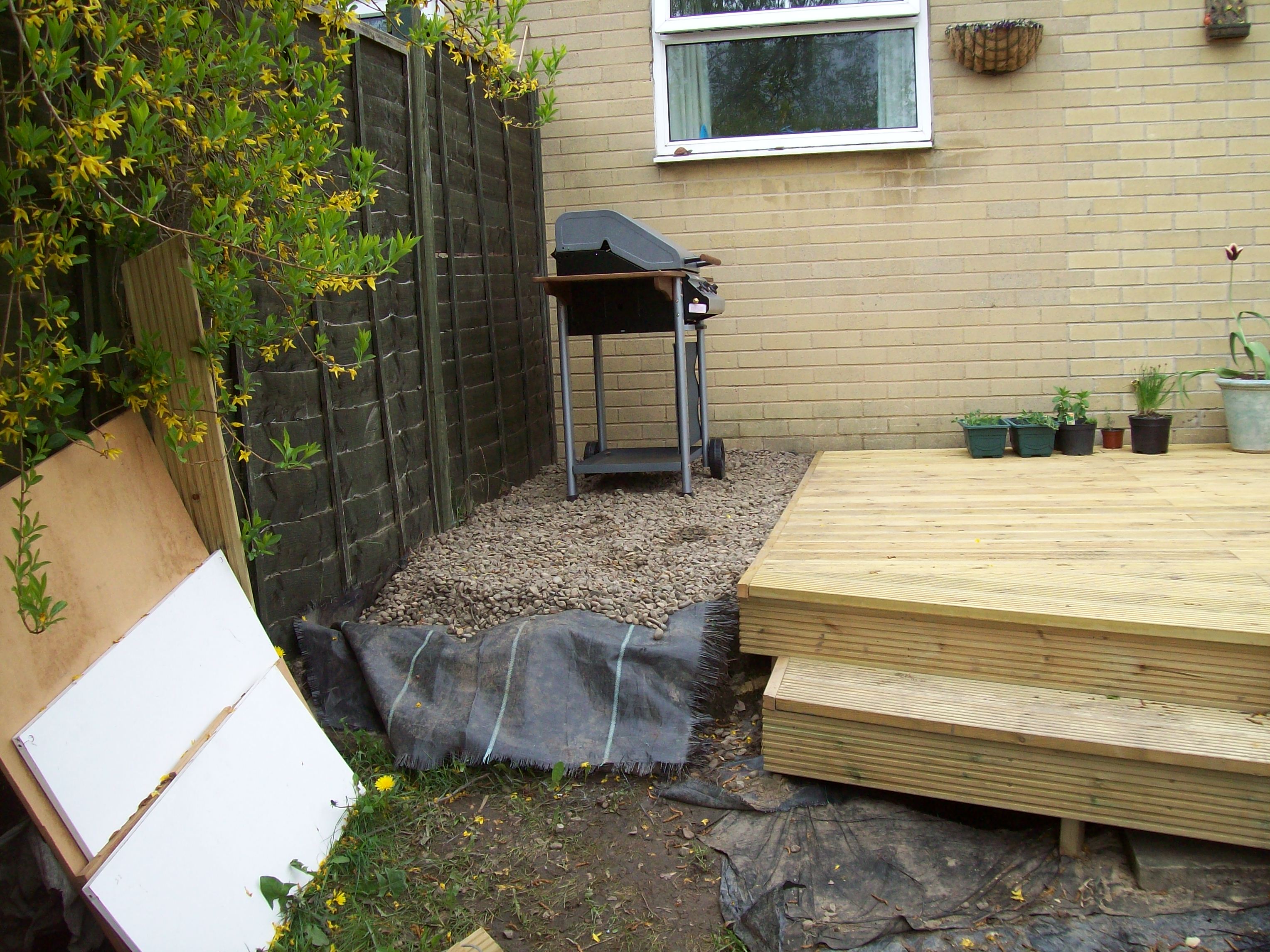
My Dad kindly helped me build a nice decking area at the back of my house where we can have barbecues, and enjoy the sun. When I say he helped me, what I actually mean is that he did all the hard work.


I am really pleased with the results, Thank you Dad for being so kind and helpful.

Update: I created a panoramic view by stitching the above three images together in Hugin

OpenSCAD

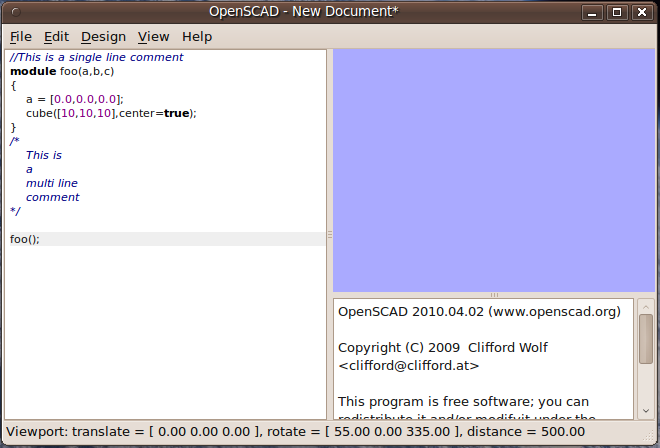
I have been hacking around with OpenSCAD. First I added an exponent operator to the language because I felt that writing pow(x,2) was a bit more cumbersome than x^2 . Then I added a few more operators like a component-wise multiply and component-wise divide I wanted these to make it easier to translate points so I could use them as datums. I even implemented an experimental rotation operator. Then I decided to get a little bit more adventureous. What I wanted to do was make the OpenSCAD editor have syntax highlighting. Investigating doing this using qcodeedit is on the OpenSCAD todo list, so I thought I would give it a try

I was quite pleased with the results and it wasn’t to complex to implement, QCodeEdit’s QEditor is almost a drop in replacement for QTextEdit. I created a wrapper which allows somone compiling the source to choose which editor they want to use with compile time flags. In fact, to disable QCodeEdit support all one has to do is uncomment out the line with

CONFIG += qcodeedit

in openscad.pro

EDIT: All the changes have been merged into the main github repository which can be checked out using

git clone https://github.com/openscad/openscad.git

OverlapStrap X Carriage

Here is the latest photo of my OverlapStrap I have made quite a lot of progress on the X axis Carriage. As you can see the basic idea is the same as the Z skates and Z rollers previously posted. Also mounted is the CrudeStruder. I feel like i am very close to getting things working, all the electronics all also ready they are just waiting to be connected up. I just need to re-inforce a few things, tweak a few other things, and hope that the whole thing comes together as planned.

OverlapStrap Fixit Blocks

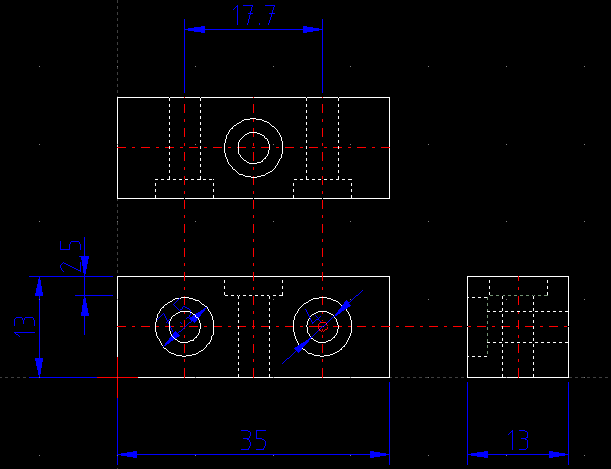
“Fixit blocks” are the bread and butter for Bodgeit’s Repstrap Bertha and my own OverlapStrap design. They are convenient little fixing blocks sold by:

Unfortunately for people living outside the UK these blocks seem to be difficult to source. I am afraid that I also don’t have a solution for people wanting to buy these blocks from a supplier in their own country. However I am willing to re-sell packs of blocks via ebay, and ship internationally so if anyone is interested drop me an email. It seemed to me that also no one has drawn accurate drawings of these blocks for anyone who was interested in making their own. So here are the drawings below

The drawing is also available here as a DXF file.

Also for anyone trying to source these in other countries, here are some potentially useful search terms:
Modesty Block
Jointing Blocks
Knock Down Block
Knock Down Fittings
Fixit Block
Fixing Block
Cabinet Fixing Block
Viereck Möbelverbinder – German for: Quadrilateral Furniture Connector
Cupboard Connector Block

There is also something very similar, but not quite the same in the USA. I think in the USA they might be known as ‘Knock Down’ fittings/connectors.

OverlapStrap CrudeStruder

Sometimes you think you have come up with a simple design, but when you come to real-ise that design it turns out to be much harder than you imagined to make.

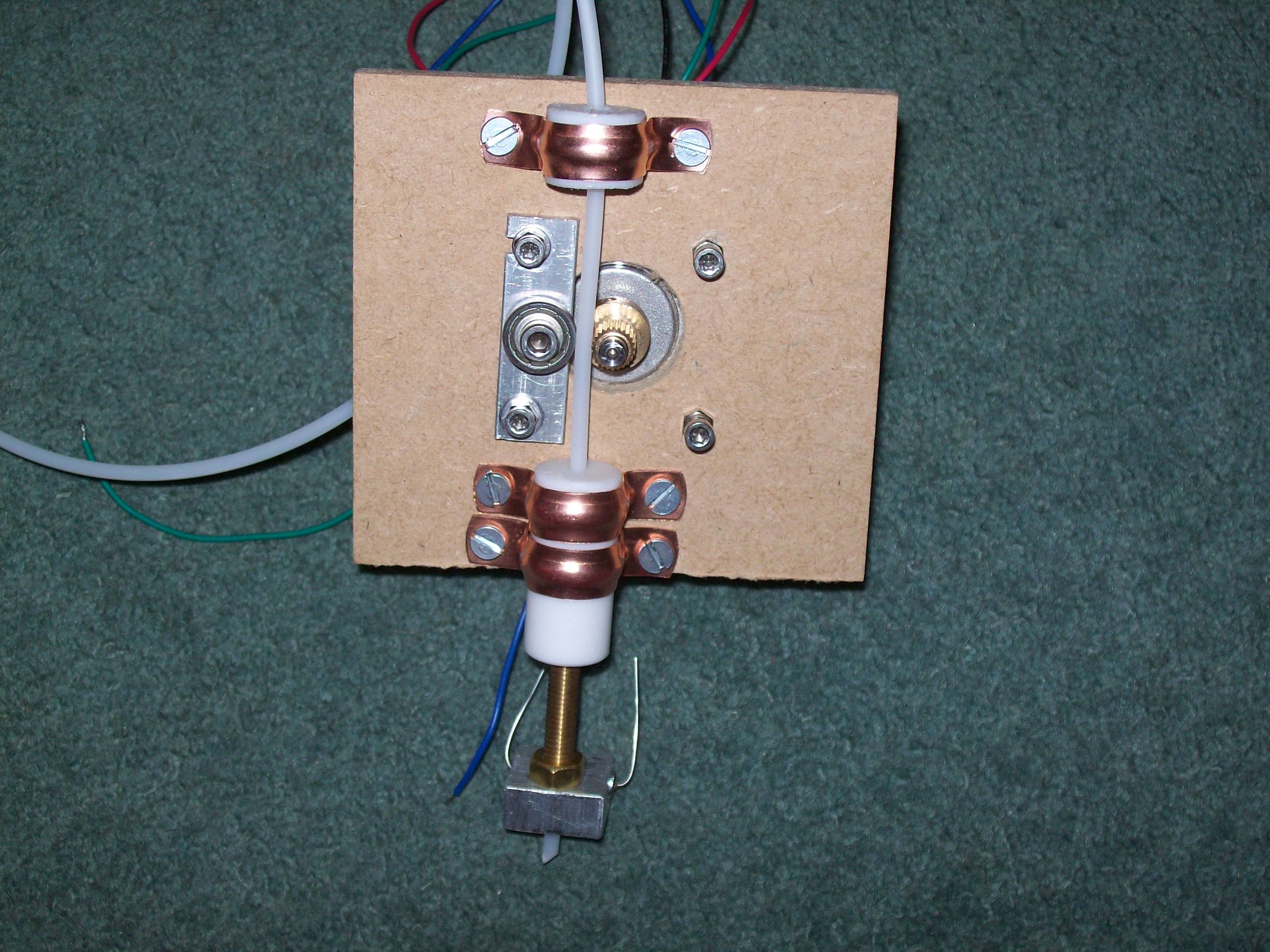
So I went back to the drawing board, and came up with something even simpler. This is what I have come up with, the crudestruder.

There is nothing really innovative about this design, its just a piece of MDF with mounting holes for a NEMA 17 and some 15mm copper pipe clips to hold on the thermal barrier. I used another short piece of 16mm PTFE rod with a 4.0mm hole to act as a filament guide. The pinch-wheel is just one of the standard mendel m4 bearings, and is held using a flange of aluminium that I cut off of my original stock of aluminium angle. This pinch wheel mount is held using the same m3 bolts that hold the NEMA in place. The top hole of the mount was cut into a slot to allow minor adjustment. I use a conrad electronics splined model car insert to provide grip on the drive shaft.

OverlapStrap progress and firmware modification

I have completed the Y and Z axes now of my OverlapStrap. I was originally planning to only use one Z axis motor and use one of the syncroflex belts that I bought for the Mendel to drive the two lead screws. But when I saw the price of the cheapest aluminium timing pulleys that I could find, I decided it was cheaper and simpler just to use two stepper motors for the Z axis instead

At this stage I also intend to drive the Y and X axis using lead screws. This required some modifications to the reprap firmware. Annoyingly there are preferences in the reprap software for features that don’t exist. I am a strong believer of YAGNI and also think that Green Code is a violation of this principle, so I was a bit annoyed to find both of these practices employed in the reprap code. Anyway, once I got over it and realised that the software preference for steps/mm had no effect on the hardcoded steps/mm defined in the configuration.h of the reprap firmware I was able to change it and upload the new firmware.

I have a feeling that such a low steps/mm setting will lead to printing problems when overlapstrap is complete, however I have a plan to mitigate these problems. I intend to bootstrap some basic parts using the leadscrews and then upgrade overlapstrap to a belt drive version using these parts. I will need to print a belt splitter jig, and some drive pulleys.

Green Code

Green code is code that has been commented out. Its usually green because the popular development environments I use syntax highlight the comments in green. In my personal opinion having large chunks of commented out code is a violation of YAGNI. A much better approach than commenting out the code is just to remove it, if you are using  source control, which surely you must be? a record of it will be stored in version control. Doing this has two advantages, firstly the current source code has less clutter, and secondly the source code is kept historically in version control along side the code that it was meant to work with. Keeping the code commented out along side the current code is daft, unless you think that un-commenting out the code six months later it will still work, which in most cases it probably won’t.